1BLUESPH1ST
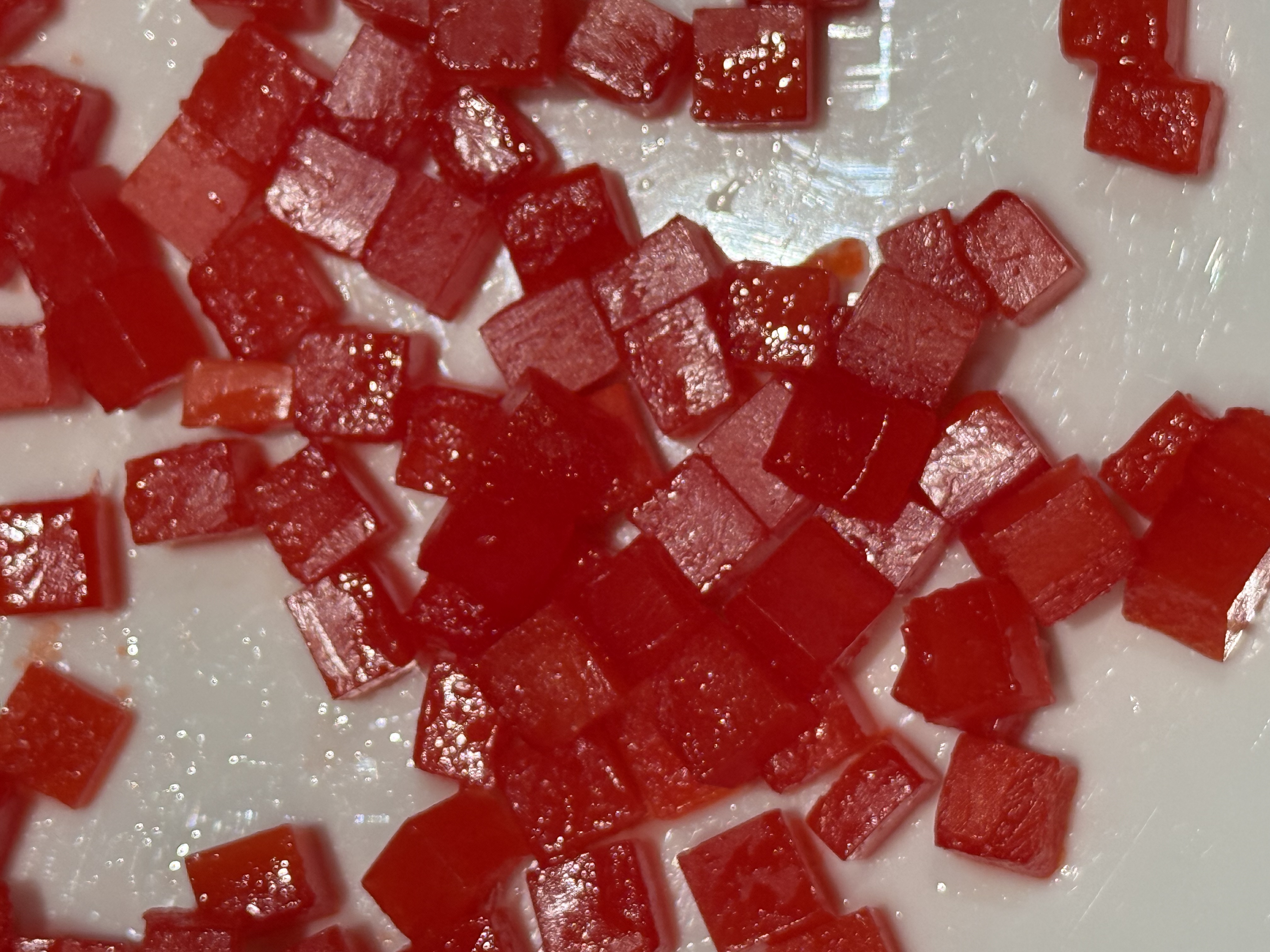
I don't want this red square anymore—delete it. Then, can you
replace it completely with a blue sphere that has a similar
shape and texture to the red square?
1GREENCUBE
Can you remove the cubes just at the very center? Preserve the
lighting and put a hole in the white background at the center.
Make the hole a very deep, dark black one. Add a few very small
green cubes that are smaller than the red ones around the edges.
1GREENCUBEVAR2
Second variant for the 1GREENCUBE description.
1GREENCUBEVAR3
Third variant for the 1GREENCUBE description.
BLACKHOLE
Can you remove the cubes just at the very center? Preserve the
lighting and put a hole in the white background at the center.
Make the hole a very deep, dark black one.
BLUECTR
Create a smooth color gradient to blue in the center.
BLUESPRS2ND
Take the center cubes and make them blue spheres with the same
texture. (Nano Banana Model)
CTRBULGE
Make the center of the image bulge out toward the viewer and
light it as if the light is coming from the front.
EMPTYCTR
Can you remove the cubes just at the very center? Preserve the
lighting and put a hole in the white background at the center.
MIXUPLAST
Can you mix this up and add different primary-colored spheres
as well as cubes? (Nano Banana Model)
NOCTRCUBE
Remove the red cubes from the center and leave it vacant.
YELLOWBULGE
Make the center of the image bulge out smoothly and fill it with
yellow cubes that have the same lighting, texture, and size as
the original red Jello cubes.